
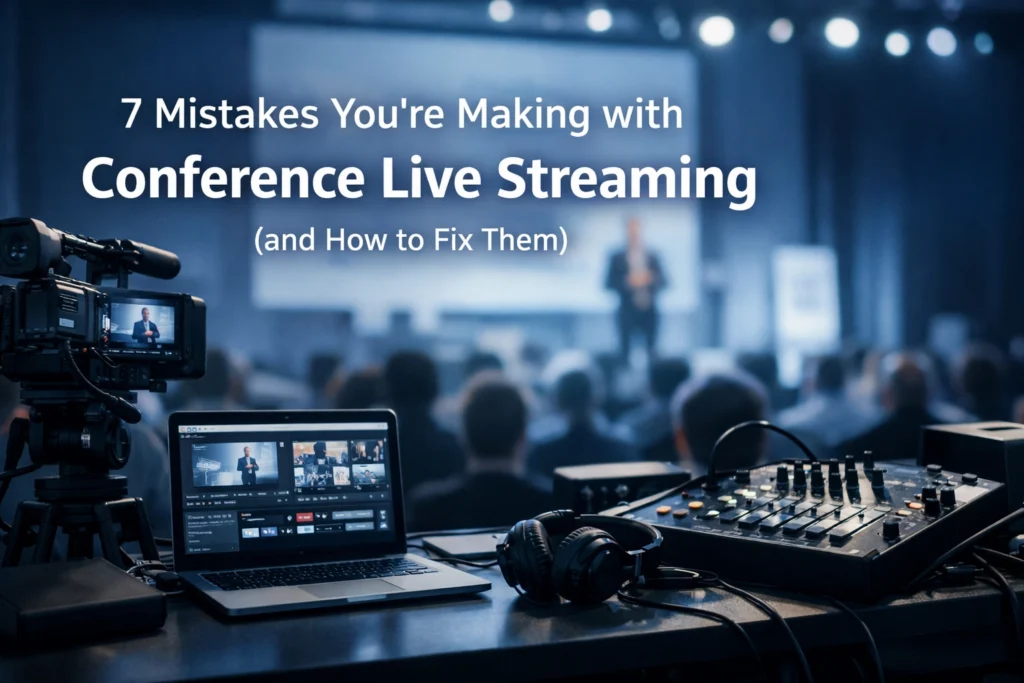
Conference live streaming has become a standard requirement for corporate events in Sydney. However, the transition from a local presentation to a global broadcast introduces technical complexities that often lead to failure. If your online viewers are experiencing buffering, poor audio, or a lack of engagement, your event's professional reputation is at risk.
As a leading video production company in Sydney, Corpcast Productions has identified the seven most common mistakes made during conference live streaming and the technical solutions required to mitigate them.
1. Relying on Venue Wi-Fi
Using a shared Wi-Fi connection is the most frequent cause of stream failure. Venue Wi-Fi is inherently unstable and subject to bandwidth fluctuations as attendees connect their mobile devices.
How to Fix It
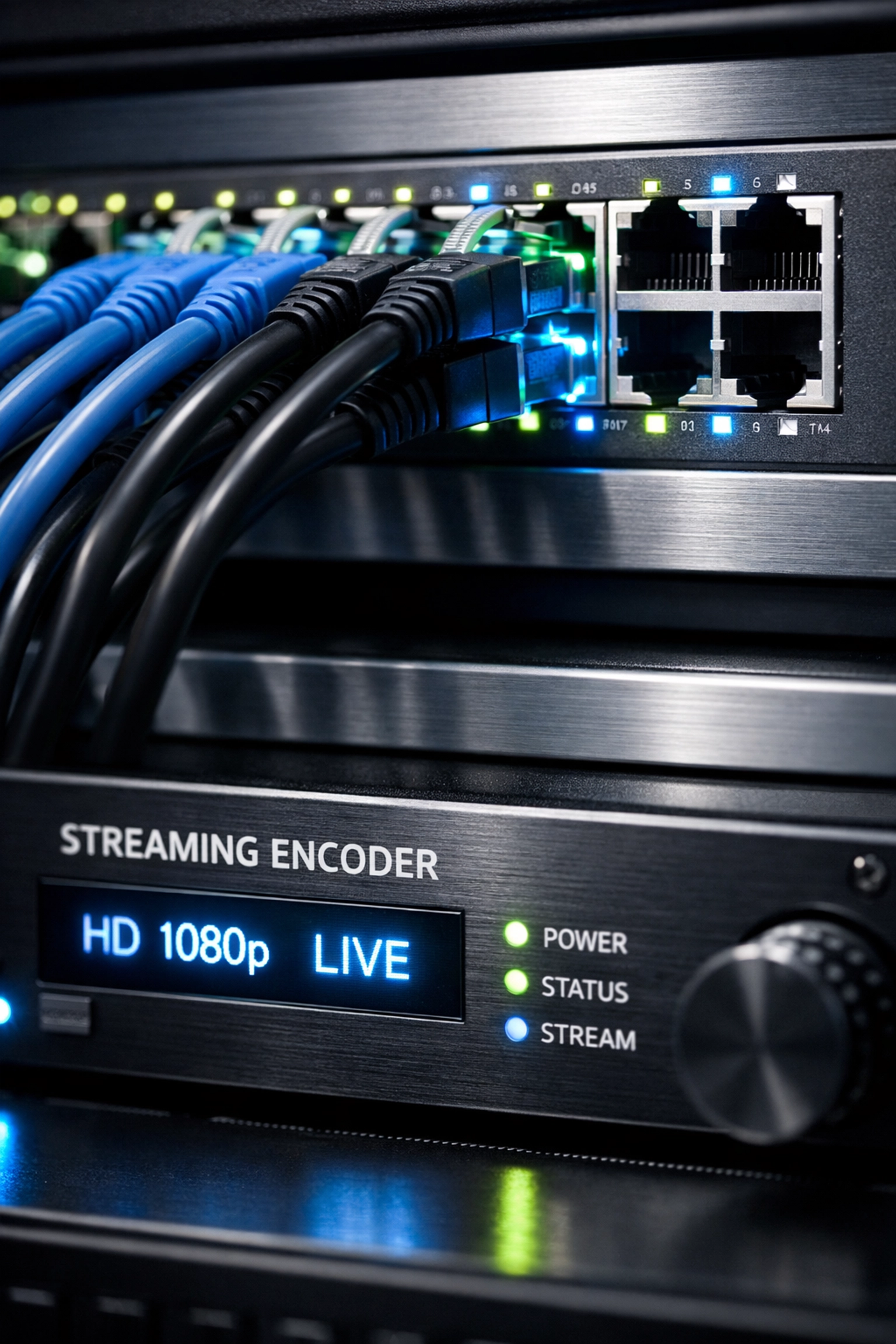
- Request a Dedicated Hardline: Ensure the venue provides a dedicated Ethernet connection with a minimum of 10 Mbps symmetrical upload speed.
- Isolate the Network: The streaming line must be separate from the guest Wi-Fi to prevent congestion.
- Use Bonded Internet Solutions: For high-stakes events, use cellular bonding technology. This combines multiple 4G/5G signals with the venue Ethernet to create a fail-safe connection.
- Run Speed Tests: Conduct multiple tests throughout the day, specifically during peak hours when the venue is full.
2. Neglecting Audio Engineering
Viewers will tolerate lower video quality, but they will immediately leave a stream if the audio is poor. Common issues include echo, low volume levels, and background noise from the conference floor.
How to Fix It
- Bypass Internal Microphones: Never use the internal microphone of a camera or laptop.
- Use an External Audio Mixer: Route all microphones (lavalier, handheld, and lectern) through a professional mixing desk before sending the feed to the encoder.
- Monitor Audio Levels Continuously: Use headphones to monitor the "program" feed, the actual sound going out to the internet, rather than just the sound in the room.
- Synchronize Audio and Video: High-definition video processing can cause "lip-sync" issues. Use an audio delay processor if the sound arrives before the video.
3. Treating Online Viewers as Passive Observers
A common mistake in conference live streaming is ignoring the virtual audience. If the speakers only interact with the people in the room, the online viewers feel disconnected and will likely tune out within minutes.
How to Fix It
- Incorporate Live Q&A: Use platforms that allow virtual attendees to submit questions that a moderator can read to the speaker.
- Utilize Live Polling: Engage the audience with real-time polls via tools like Slido or Mentimeter.
- Acknowledge the Online Audience: Instruct speakers to look directly into the camera and address the "home" viewers specifically at various points during the presentation.
- Provide Exclusive Digital Content: Offer downloadable resources or virtual-only breakout sessions to add value to the online ticket.
4. Skipping the Technical Rehearsal
Assuming that equipment will work because it worked in the office is a critical error. Every venue in Sydney has different acoustic properties and network configurations.
How to Fix It
- Schedule a Full Rig Day: Set up all equipment at least 24 hours before the event.
- Conduct a Full "End-to-End" Test: Stream to a private link to verify that the video, audio, and graphics are reaching the platform correctly.
- Speaker Tech Checks: Have every presenter stand on stage, test their specific microphone, and click through their slides to ensure compatibility with the vision switcher.
- Validate Stream Health: Monitor the encoder’s CPU usage and bit-rate stability during the rehearsal.
5. Lack of Redundancy and Backup Systems
In professional live streaming services in Sydney, the question is not if something will fail, but when. Relying on a single encoder, a single camera, or a single internet provider is a recipe for a "black stream" event.
How to Fix It
- Primary and Backup Encoders: Run two separate encoders simultaneously. If the primary stream crashes, the backup should take over automatically or with minimal delay.
- Redundant Internet: Use a primary fiber connection and a secondary 5G cellular backup.
- Uninterruptible Power Supply (UPS): Plug all critical streaming gear into a UPS to protect against local power surges or outages.
- Pre-Recorded "Technical Difficulties" Slide: Have a graphic ready to display if the feed drops, informing viewers that you are working on the issue.
6. Poor Lighting and Single-Camera Boredom
A single, wide-angle shot from the back of the room is not professional event video production in Sydney. It lacks visual impact and makes it difficult for viewers to see the speaker's expressions or the details on their slides.
How to Fix It
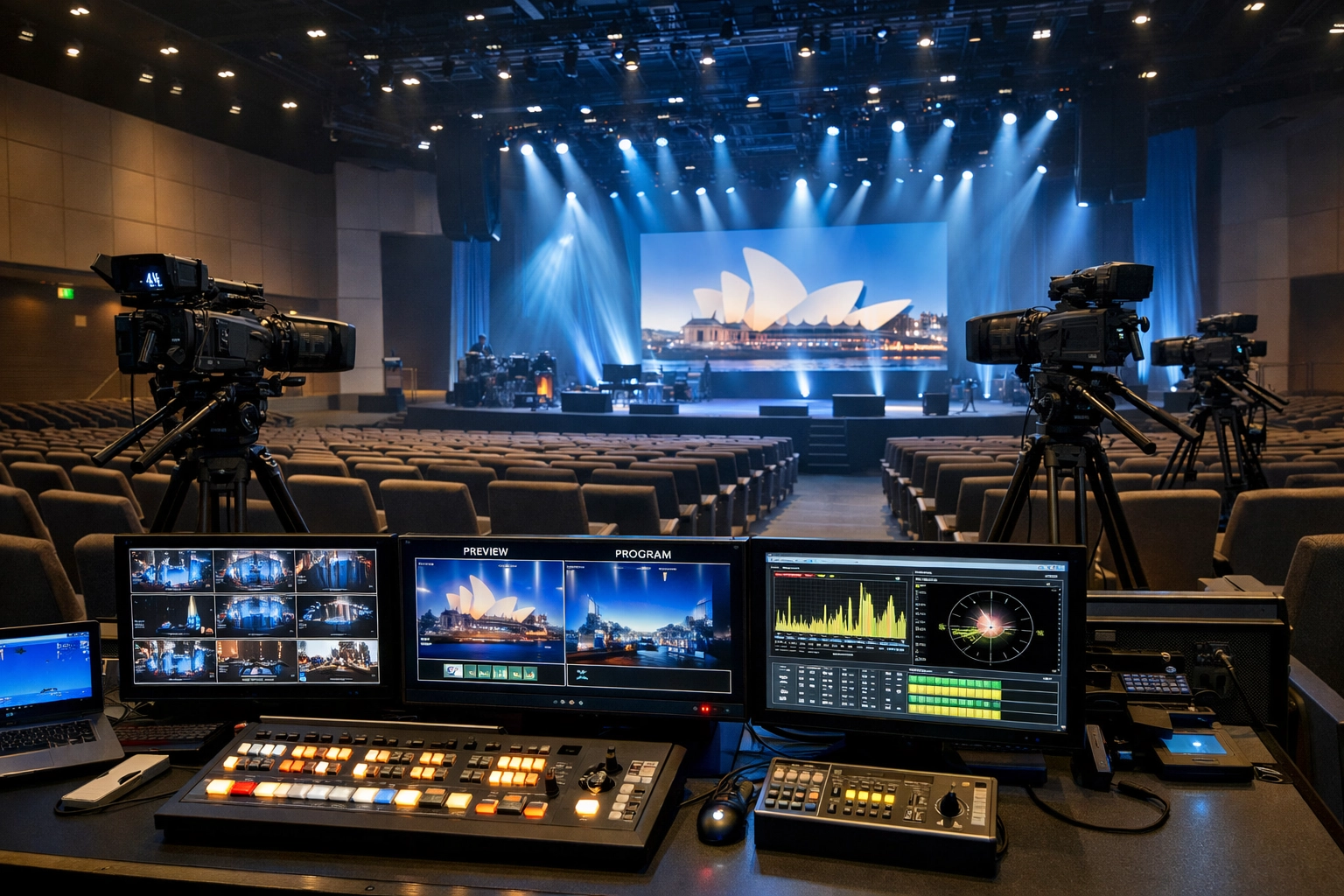
- Multi-Camera Setup: Use at least two cameras, one for a wide "master" shot of the stage and one for a tight "close-up" of the speaker.
- Direct Slide Capture: Do not point a camera at the projector screen. Use a professional vision switcher to cut directly to the digital slide source.
- Professional Stage Lighting: Ensure the speaker is well-lit with "key" and "fill" lights so they stand out from the background.
- Follow the Action: Use experienced camera operators who can track the speaker if they move around the stage.
7. Inadequate Post-Event Strategy
Many organizers view the live stream as a one-time broadcast. Once the "End Stream" button is pressed, the value of the content is often lost.
How to Fix It
- Instant Video on Demand (VOD): Ensure your streaming platform allows for immediate playback once the live session ends.
- Content Repurposing: Use the high-quality recording to create "highlight reels" or short social media clips for marketing future events.
- Analytics Review: Analyze the viewer data. When did people drop off? Which sessions had the most engagement? Use these metrics to improve your next conference.
- Follow-Up Communication: Send the recorded link to all registered attendees, including those who couldn't make it to the live broadcast.
Why Choose Corpcast Productions for Your Sydney Event?
Managing these technical requirements requires a dedicated team of specialists. At Corpcast Productions, we provide end-to-end live streaming services in Sydney that eliminate the risks associated with DIY setups.
Multi-Room Streaming Expertise
Large conferences often have multiple tracks running simultaneously. We specialize in multi-room streaming, ensuring that every breakout session is captured and broadcast with the same level of quality as the keynote. You can view our services to see how we manage complex setups.
High-Speed Network Facilities
We don't leave connectivity to chance. Our team brings dedicated network hardware to every venue, ensuring a stable, high-speed uplink regardless of the venue's infrastructure. Whether it's a virtual event or a live event, we prioritize bandwidth integrity.
Professional Studio Options
If you prefer a controlled environment, our Sydney studio offers a green screen and professional lighting setups, perfect for high-end corporate announcements or remote filming sessions.
Frequently Asked Questions
Is the internet connection fast enough?
A minimum upload speed of 10 Mbps is required. We recommend a dedicated Ethernet line and a secondary 5G backup for all Sydney events.
Can viewers watch on mobile devices?
Yes. We use adaptive bitrate streaming, which adjusts the video quality based on the viewer's internet speed, ensuring compatibility with smartphones and tablets.
What happens if the stream cuts out?
We utilize redundant encoders and bonded internet connections. If the primary source fails, our backup systems are designed to keep the broadcast live.
How do we handle remote speakers?
We integrate remote presenters via professional remote filming protocols, bringing them onto the conference screen and the live stream with minimal latency.
Take Action for Your Next Event
Avoid the technical pitfalls that ruin professional broadcasts. By focusing on redundant systems, high-quality audio, and active audience engagement, you can deliver a world-class experience for your virtual attendees.
For professional assistance with your next conference, contact us today. Our team at Corpcast Productions is ready to handle the technical heavy lifting so you can focus on your content. Explore our video production capabilities and see why we are the preferred video production company in Sydney for leading corporate brands.
Learn more about our recent projects, such as the CBRE Fireside Chat or our work with LeReve Hamilton, to see our quality in action. For more information on our company structure, visit our About Us page.